Installing SellerMate as an app in your Android phone
SellerMate is a sales transactions management (POS-like) web app designed for small coffee shops. This guide will teach you how to install it as a mobile app in an Android phone with Google Chrome as the browser.
Step 1
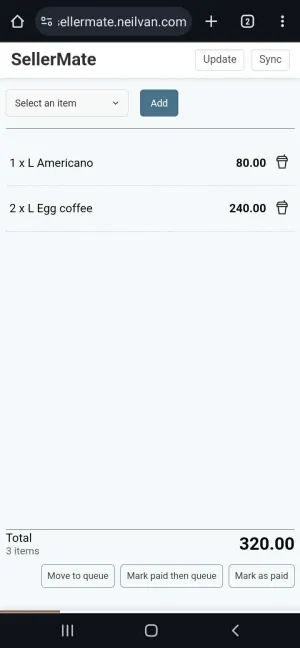
Open Google Chrome. Type and go to sellermate.neilvan.com. You will see the homepage/cart like this:
Step 2
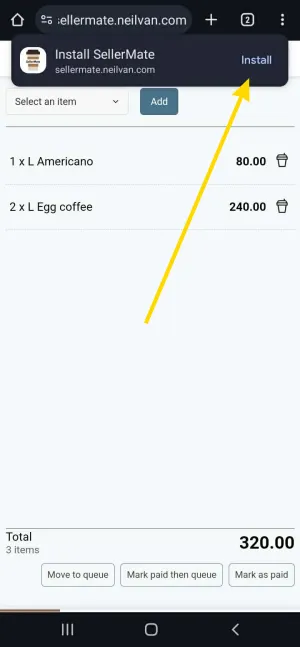
When you open the SellerMate website, a popup will usually appear and ask you to Install SellerMate. Tap the “Install”:
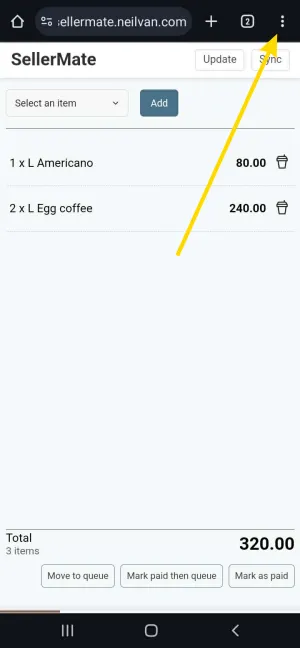
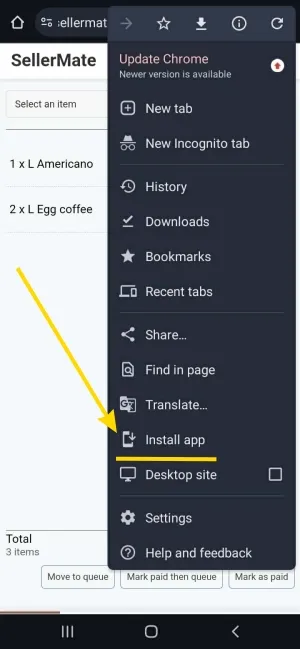
If the popup will not appear, tap on the Menu on the upper right corner.
Tap the “Install app” option:
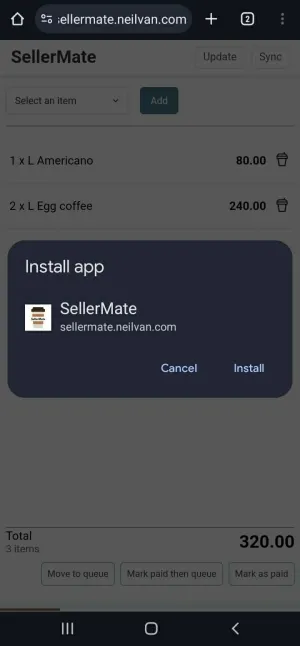
A confirmation dialog box will appear. Tap “Install”:
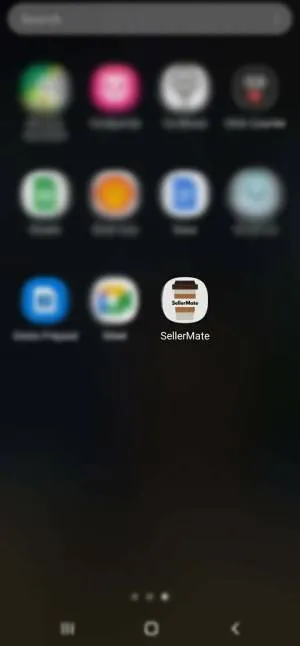
Your phone will install it in a few seconds. The SellerMate app icon will then appear together with your other apps. You may now close the website on your browser, and start using the app!